Designing tabletop miniatures with Polyvia
Your next warband does not need a sculpting degree. Here is how to prompt, shape and export miniatures that look great on the table and survive the printer.
Tabletop gamers have always wanted miniatures that match the story in their heads rather than whatever the shop had in stock. With Polyvia you can go from "my party's dwarf ranger with a lantern and a crossbow" to a printable file in an afternoon.
Start with a strong pose
Miniatures live or die by their silhouette at arm's length. When you write the prompt, commit to a pose that reads clearly from above and from the side:
- Planted feet. A wide, stable stance prints better and looks more heroic.
- Clear action. "Drawing a bow", "raising a shield", "leaning on a staff". One verb, one story.
- Weapons close to the body. Long, thin blades sticking far out are fragile at small scale.
A prompt like "a stocky dwarf ranger standing on a small rock, crossbow held across the chest, lantern on the belt, stylised miniature" gives the generator everything it needs.
Exaggerate a little
Real proportions look timid at 28–32 mm. Classic miniature sculptors enlarge heads, hands and weapons slightly so they read on the table. Words like "heroic proportions" or "chunky, stylised" push your model in that direction.
Think about the base
Many miniatures stand on a small scenic base. You can ask for "standing on a round base with grass and stones", or leave the base out and add a standard one in your slicer. Either works; just be deliberate, and use the negative prompt ("base, pedestal") if the generator keeps adding one you do not want.
Texture or not?
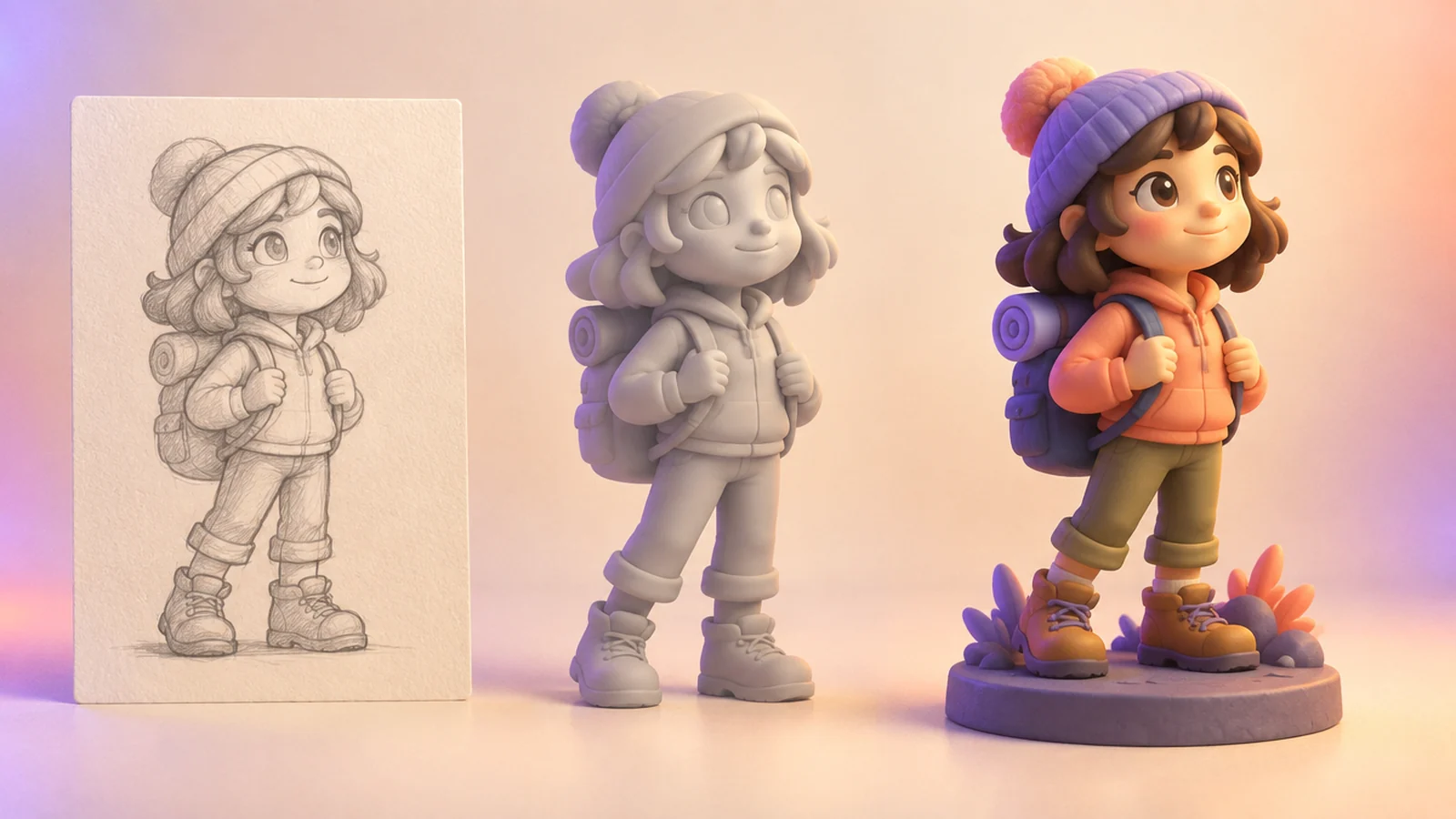
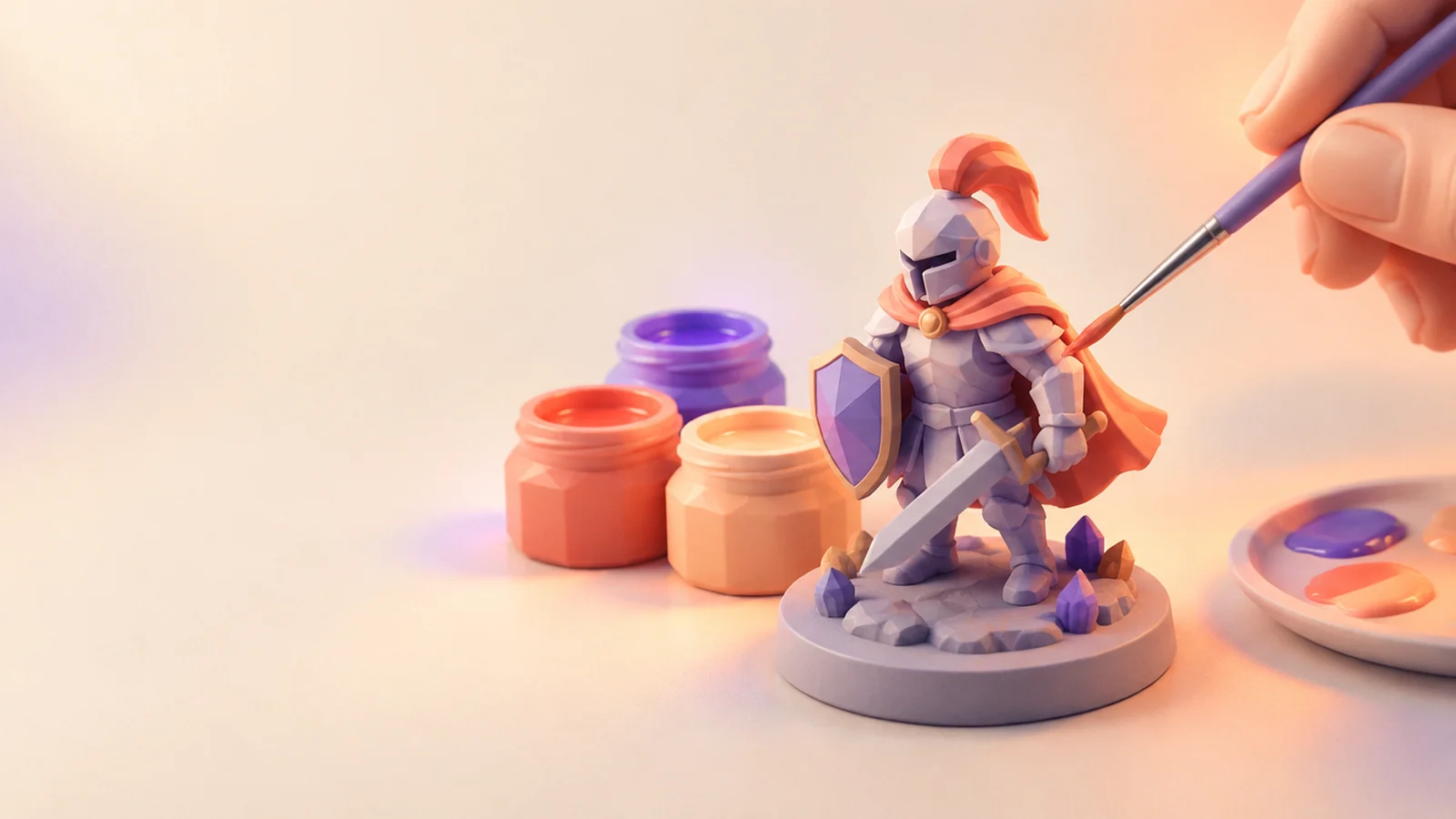
For printing, the colour texture is not needed: resin and filament are one colour anyway. Choosing no texture is the cheapest way to iterate on the shape. If you also want a painted reference to guide your brushwork, add a standard texture to your favourite version only.
Export for the printer
When you are happy with the sculpt, export it as STL, the format every slicer understands. Before printing:
- Scale it. Set the height in your slicer so a human-sized figure lands around 30 mm.
- Check thin parts. Spears, feathers and fingers may need thickening or supports.
- Hollow if printing in resin to save material, and add drain holes.
Build a whole warband
Once you have a look that works, reuse the prompt structure and change one detail at a time: the weapon, the armour, the creature type. The result is a squad that feels designed together, not collected at random. Keep the seed fixed when you want the closest possible family resemblance.
Share your army
Painted it? We would love to see it. Upload your favourite sculpt to the public gallery so other players can find inspiration, and keep the next campaign's villains a secret until game night.