Creature design: from prompt to pose
Griffins, golems and ice toads: creatures let you invent anatomy from scratch. Here is how to design believable beasts, describe them clearly and get them moving.
Creatures are pure invention. No one can tell you a griffin's wing is the wrong size, but everyone can feel when a beast does not work. Good creature design follows a few simple ideas that make even the strangest anatomy believable.
Start from real animals
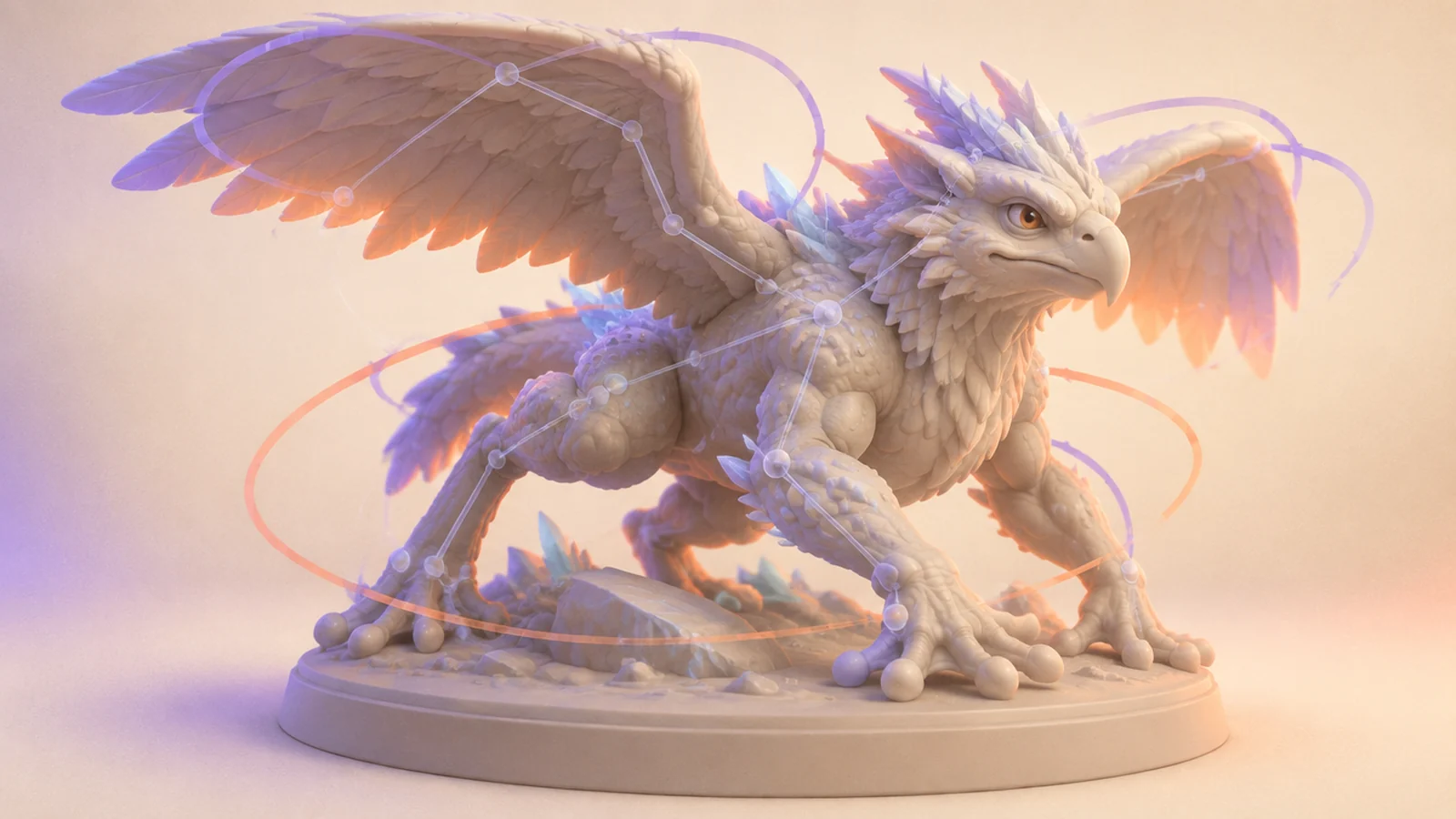
The most convincing fantasy creatures borrow from real ones. A griffin is an eagle and a lion; a stone golem stands like a gorilla; an ice toad is, well, a toad with frost for skin. When you write a prompt, name the real animals you are mixing:
A griffin with the head and wings of a golden eagle and the body of a lion, powerful stance, stylised realistic.
Naming real animals gives the generator anatomy it already understands.
Decide on a body plan
Before worrying about details, pick the structure:
- Biped: walks on two legs, like a golem or a zombie.
- Quadruped: four legs, like a fox or a griffin.
- Something else: hopping toads, slithering serpents, floating ghosts.
State it clearly in the prompt ("standing on four legs", "upright on two legs"). A muddled body plan is the most common reason a creature looks wrong.
Silhouette first
A great creature is recognisable in black and white. Exaggerate one or two features and keep the rest simple:
- The golem: huge fists and a tiny head.
- The fox: an enormous, curling tail.
- The ice toad: a wide mouth and crystal spikes along the back.
Generate a few untextured drafts and judge them by outline alone before spending credits on textures.
Materials that tell you where it lives
Skin, fur, scales and stone say a lot about habitat. "Frosted, glassy skin with icicle spikes" puts your toad in a frozen cave. "Cracked granite covered in moss" tells you the golem has been standing still for centuries. With PBR texturing, these materials react to light convincingly: icy highlights, rough stone, soft fur.
Getting creatures moving
Rigging a creature follows the same idea as rigging a character:
- Run the free rig check to see whether the model can be rigged.
- Pose for rigging. Legs clearly separated and wings or arms a little away from the body help a lot. Upright, humanoid creatures like a golem or a zombie rig most smoothly.
- Add presets. A walk, a run and an idle clip bring a biped creature to life right away.
Unusual body plans, like snakes or many-legged beasts, are best kept as static models or animated by hand in your own tools.
Build a bestiary
Once you have one creature you love, design its relatives. Keep the style words and material vocabulary consistent and change the animal mix: a snow griffin, a lava golem, a swamp toad. A small bestiary is a fantastic portfolio piece and a ready-made enemy roster for a game.
Export and share
Take your creatures to Blender or your engine as FBX or GLB, into AR as USDZ, or onto your tabletop as STL.
Go invent something that has never existed. Just make sure it can stand up.